Recurring work creates a repeating schedule for regular visits. It is useful for window-cleaning rounds, maintenance work and any service that follows a predictable pattern.
Before you create the schedule
Check the customer, service address, usual price and first visit date. A mistake in the recurring template can affect future visits.
Instructions for your platform
Choose where you’re using Surehand. We’ll remember your selection for the next guide.
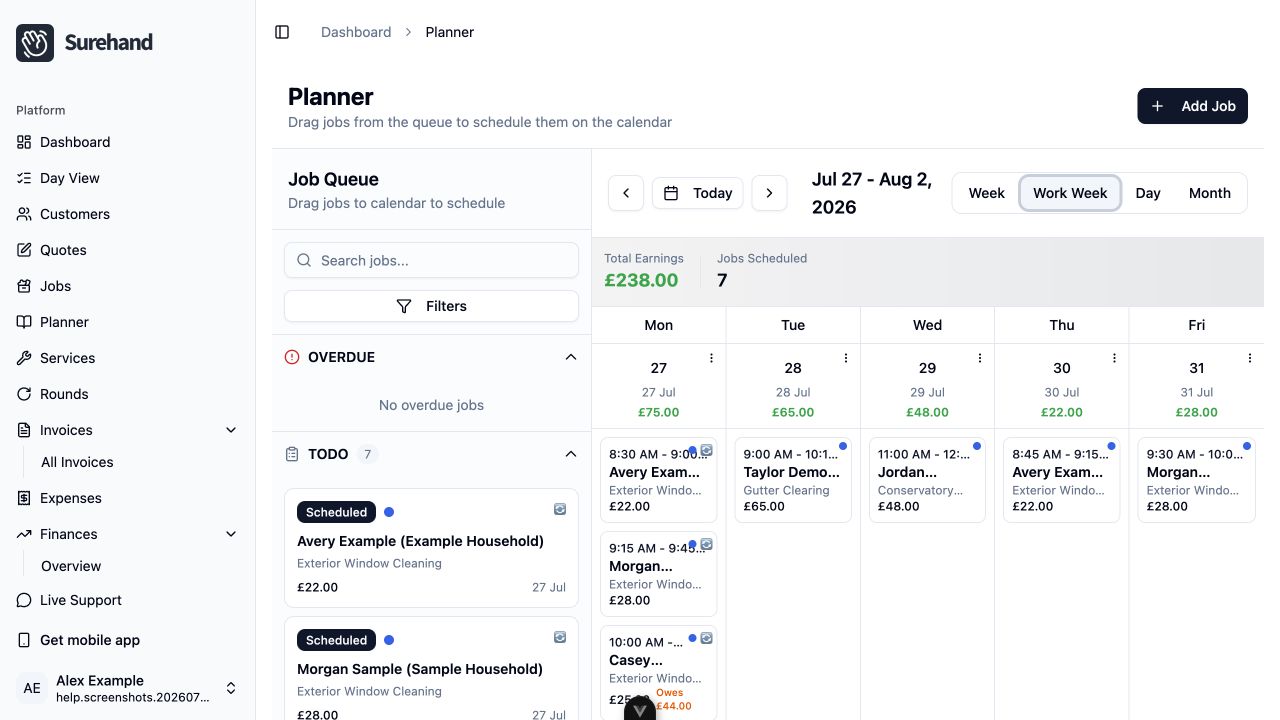
Create recurring work on the web
- Open Planner and start a new job.
- Set Job Type to Recurring Job.
- Select the customer, service and address.
- Set the first scheduled date.
- Choose the recurrence pattern.
- Check the price, assignment and notes.
- Optionally assign the work to a round.
- Save the recurring job.
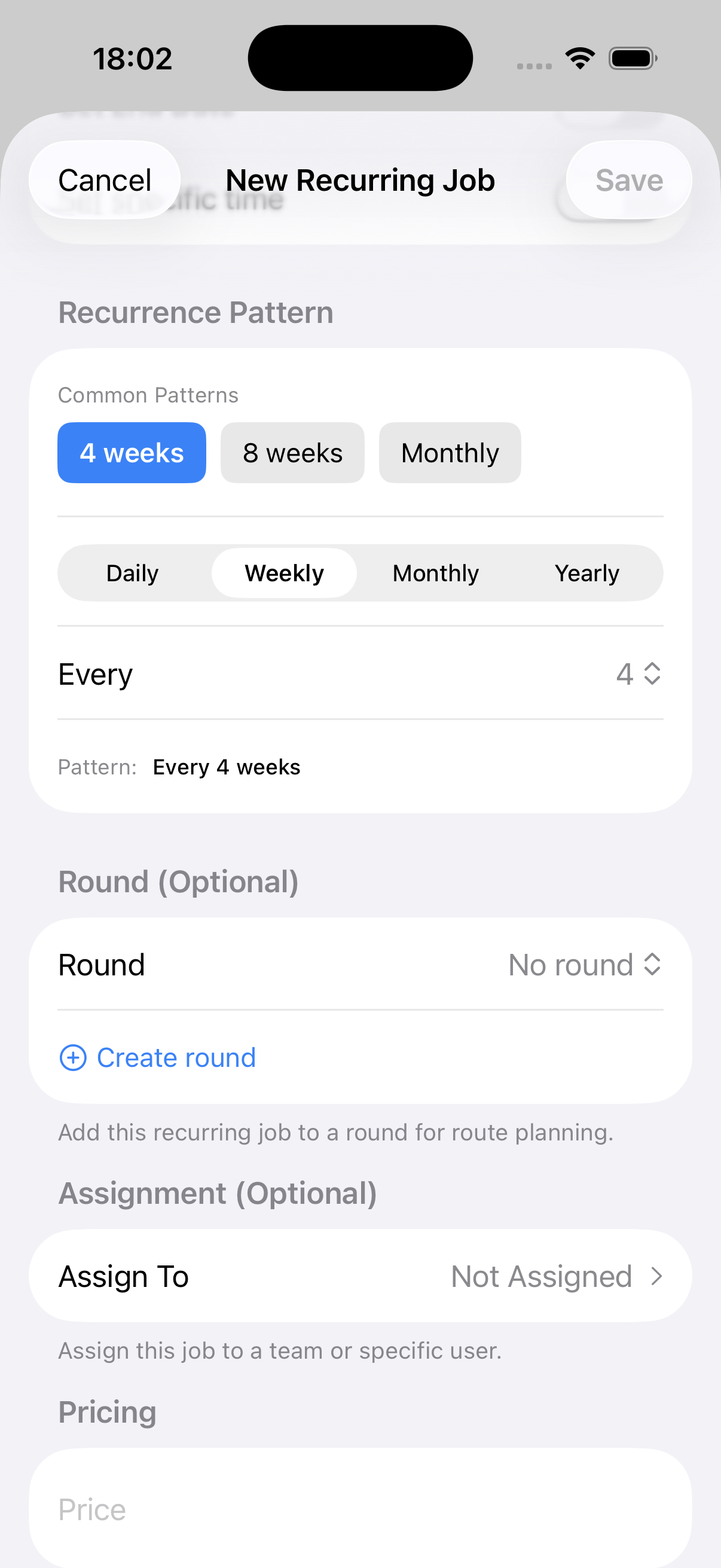
Create recurring work on iPhone or iPad
- Open Jobs, use the + action and choose a new job.
- Select Recurring.
- Choose the customer and service.
- Under Schedule, set the Start Date and any time details.
- Set the Recurrence Pattern.
- Check the price, notes and assignment.
- Optionally choose a round or use Create round.
- Choose Save.
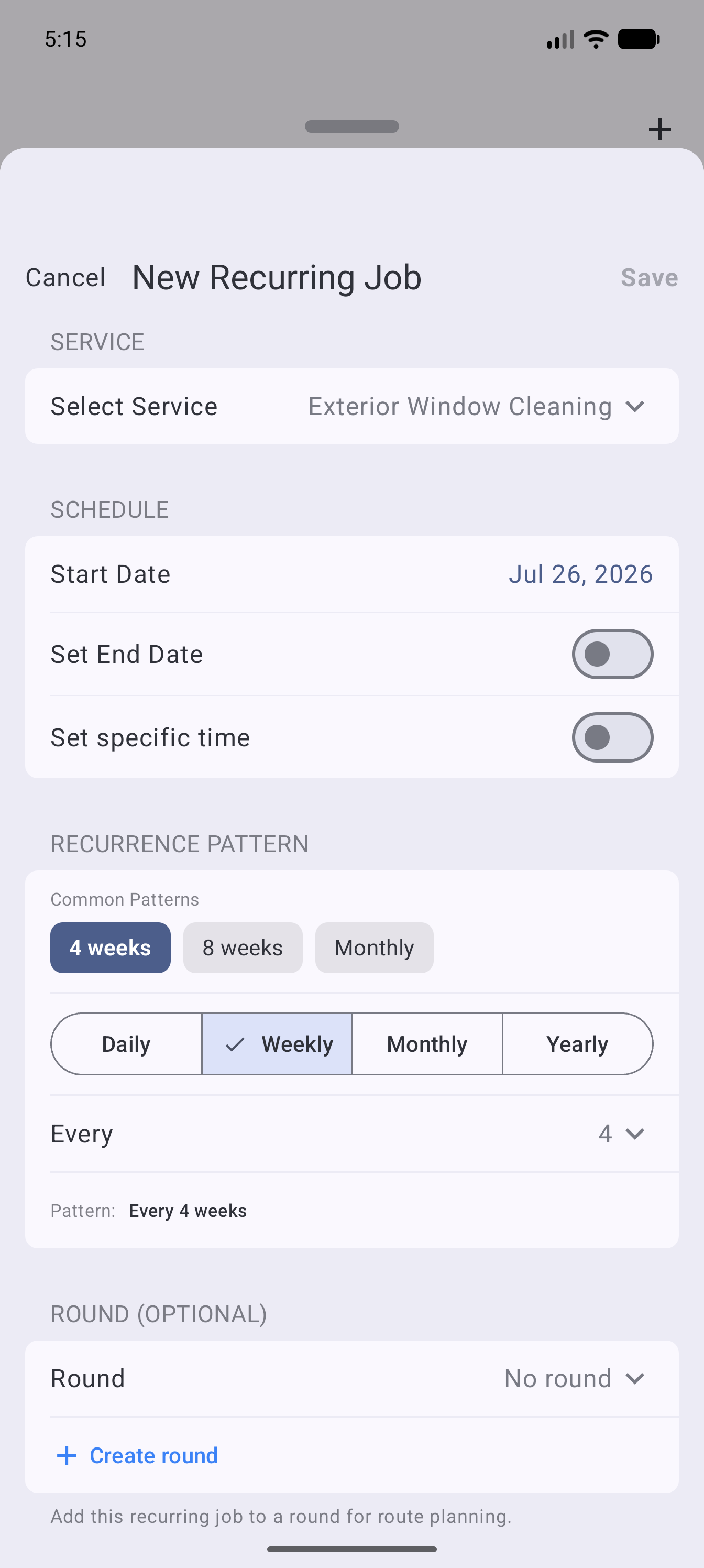
Create recurring work on Android
- Open Jobs, use the + action and choose a new job.
- Select Recurring.
- Choose the customer and service.
- Under Schedule, set the Start Date and any time details.
- Set the Recurrence Pattern.
- Check the price, notes and assignment.
- Optionally choose a round or use Create round.
- Choose Save.
Choose the right frequency
Use the frequency that matches what you have agreed with the customer. For example:
- Weekly for work due every week.
- Fortnightly for work due every two weeks.
- Every four weeks for a four-weekly round.
- Monthly when the work follows calendar months rather than a fixed four-week interval.
Four-weekly and monthly schedules are not the same. Over a year, their dates will differ.
Template and visit
Surehand treats the recurring schedule and an individual visit differently:
- Change the recurring template when the normal service, price or pattern should change going forward.
- Change an individual visit when only that date is different.
The job screen warns when a change only affects that visit. Use that distinction to avoid accidentally changing every future clean.
Skip or reschedule one visit
Use Skip This Visit when one occurrence will not happen but the regular pattern should continue.
Use Reschedule when the visit will happen on another date. Check whether you are moving only the selected visit or intentionally changing the future schedule.
Add the work to a round
Assign regular work to a round when you want related jobs grouped together for planning and reporting.