A round groups related recurring work. Window cleaners might create rounds by working day, area, vehicle or team—whichever reflects how the work is actually managed.
Decide what a round means
Choose one approach and use it consistently. Useful examples include:
- Monday North.
- Town Centre Four-Weekly.
- Van 1.
- Jordan’s Round.
Avoid creating a separate round for every customer. A round should help you understand and organise a meaningful group of work.
Instructions for your platform
Choose where you’re using Surehand. We’ll remember your selection for the next guide.
Create and fill a round on the web
- Open Rounds.
- Choose Add Round. The Add New Round panel opens.
- Enter a clear Round Name.
- Add a short Description if another team member may need context.
- Choose Create Round.
To add existing recurring work from the round page:
- Open the round.
- Choose the More round actions menu (⋯), then Add nearby work.
- On the Add Jobs to Round page, choose the jobs to add. Use Search jobs to find a customer, address, postcode or round.
- Choose the Add button at the bottom to confirm.
To move jobs to a different round:
- Open the round and choose Manage jobs.
- Select the jobs to move.
- Choose More actions, then Move to round.
- Pick the Destination round and choose Move to round.
Only recurring jobs can be moved, and their future schedule stays the same. You can still pick a round while creating or editing recurring work.
From the ⋯ menu you can also choose Route order to change the order of the round's jobs, or Realign all next jobs to move every job's next visit onto one date. Later visits shift by the same amount.
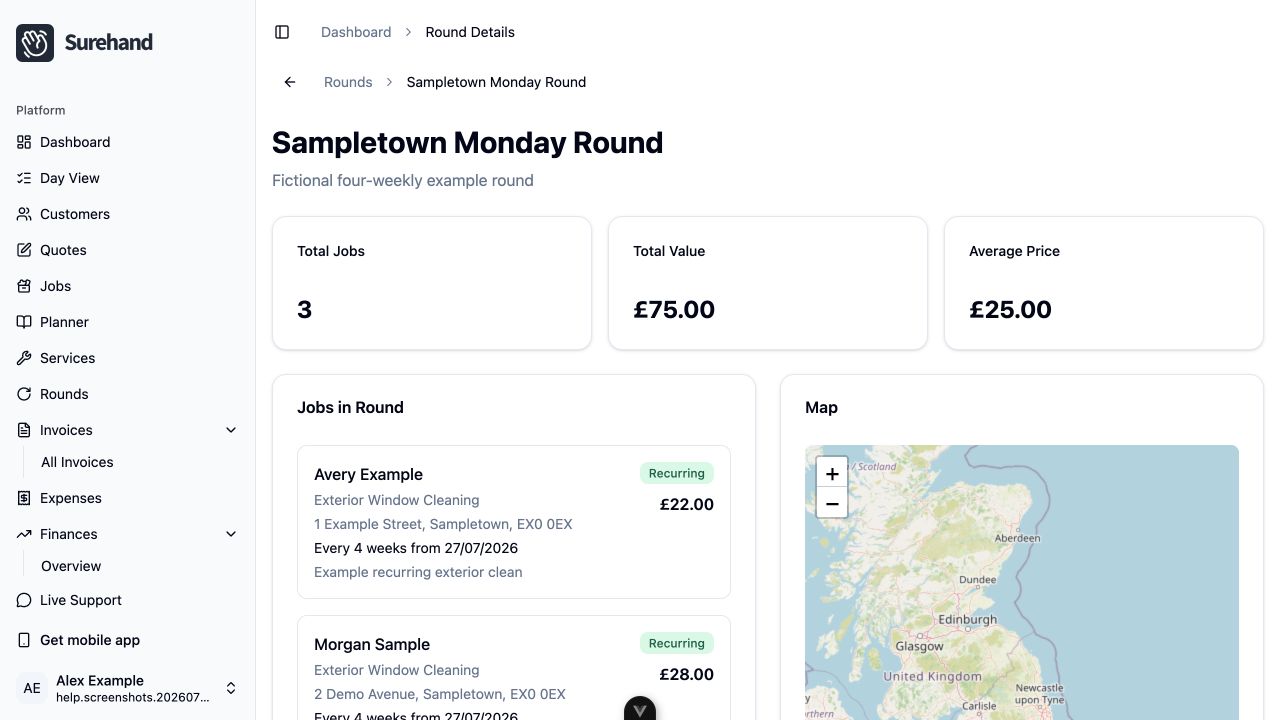
Create and fill a round on iPhone or iPad
- Open Rounds.
- Choose Create Round.
- Add a clear name and the available schedule details.
- Save the round.
- Open it and choose Add Recurring Jobs to add existing work.
You can also choose a round—or Create round—while adding recurring work. Open a round to reorder its jobs, move work between rounds, or review the next due visits.
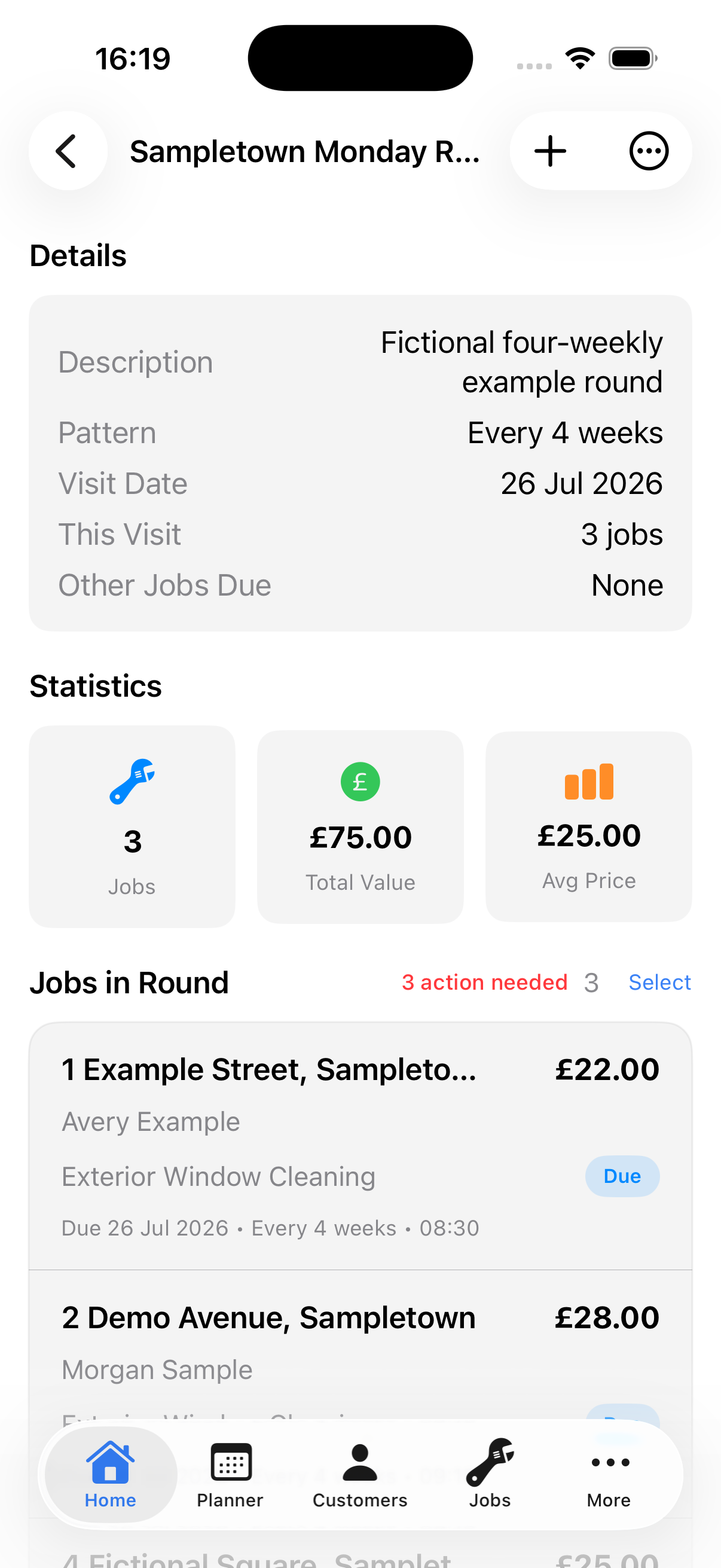
Create and fill a round on Android
- Open Rounds.
- Choose Create Round.
- Add a clear name and the available schedule details.
- Save the round.
- Open it and choose Add Recurring Jobs to add existing work.
You can also choose a round—or Create round—while adding recurring work. Open a round to reorder its jobs, move work between rounds, or review the next due visits.
Assign recurring work
The relationship belongs with the repeating schedule, not only one occurrence.
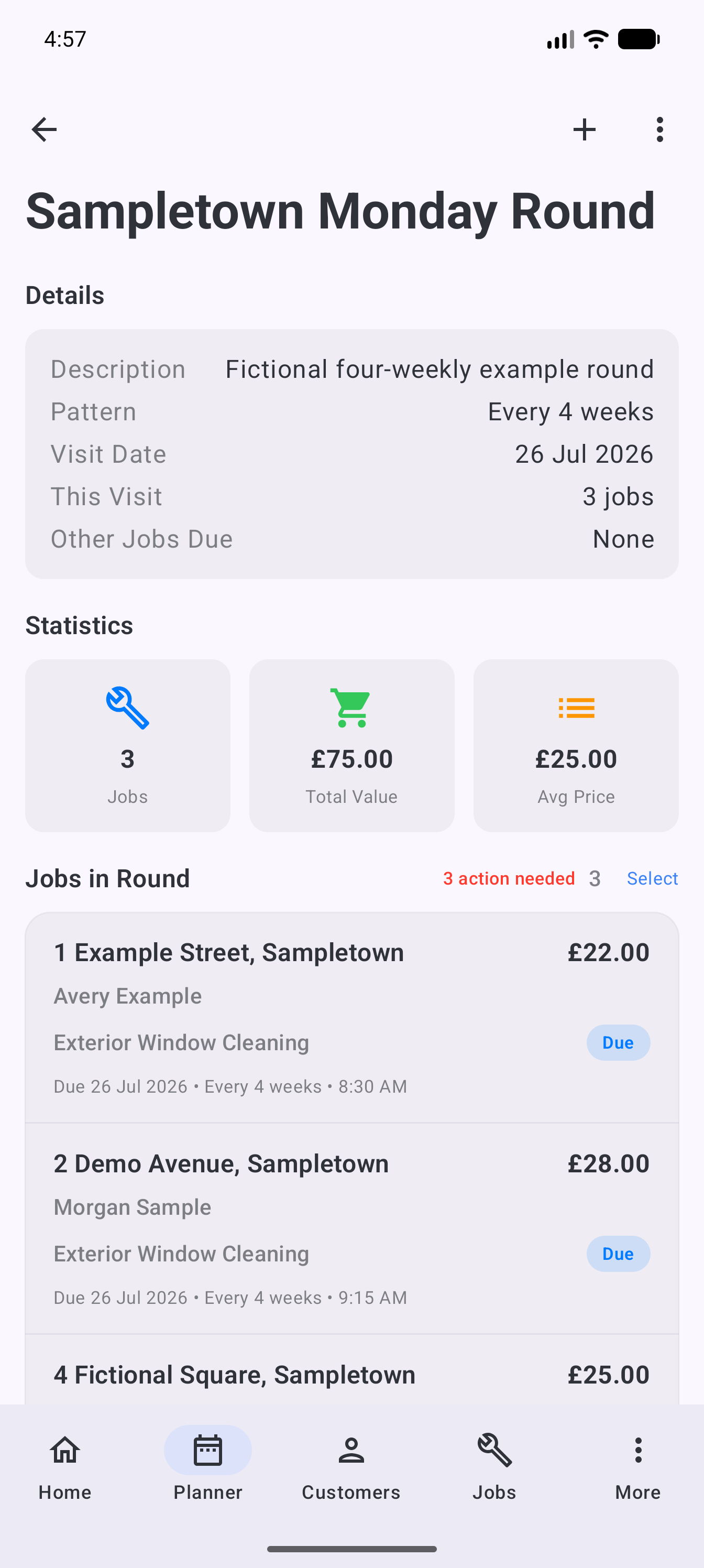
After assigning work, open the round to review:
- The number of jobs.
- Total and average value.
- The recurring work included.
- The map, where address information is available.
Keep round names practical
Names should be understandable in the Planner and on a small phone screen. Put the most useful distinction first.
For example, Tuesday – East Leeds is usually more useful than Window Cleaning Customers Group 4.
When the route changes
Moving one customer to another round should not change the customer or service itself. Use Move to round on the round page, or edit the recurring work and select the new round.
If bad weather affects a working day, move the scheduled visits rather than rebuilding the round.