Surehand’s Tax Year & MTD area helps you review the operational records used in a cash-basis summary. It does not submit an update directly to HMRC and does not replace an accountant or compatible filing software.
Before relying on the report, make sure payments, expenses, receipts and HMRC expense-category mappings are complete for the period.
Instructions for your platform
Choose where you’re using Surehand. We’ll remember your selection for the next guide.
Review a tax year on iPhone or iPad
- Open More → Tax Year & MTD.
- Select the tax year you need to review.
- Check the income, expenses and cash-basis result.
- Open each readiness warning and correct the underlying record.
- Review quarterly totals and HMRC category summaries.
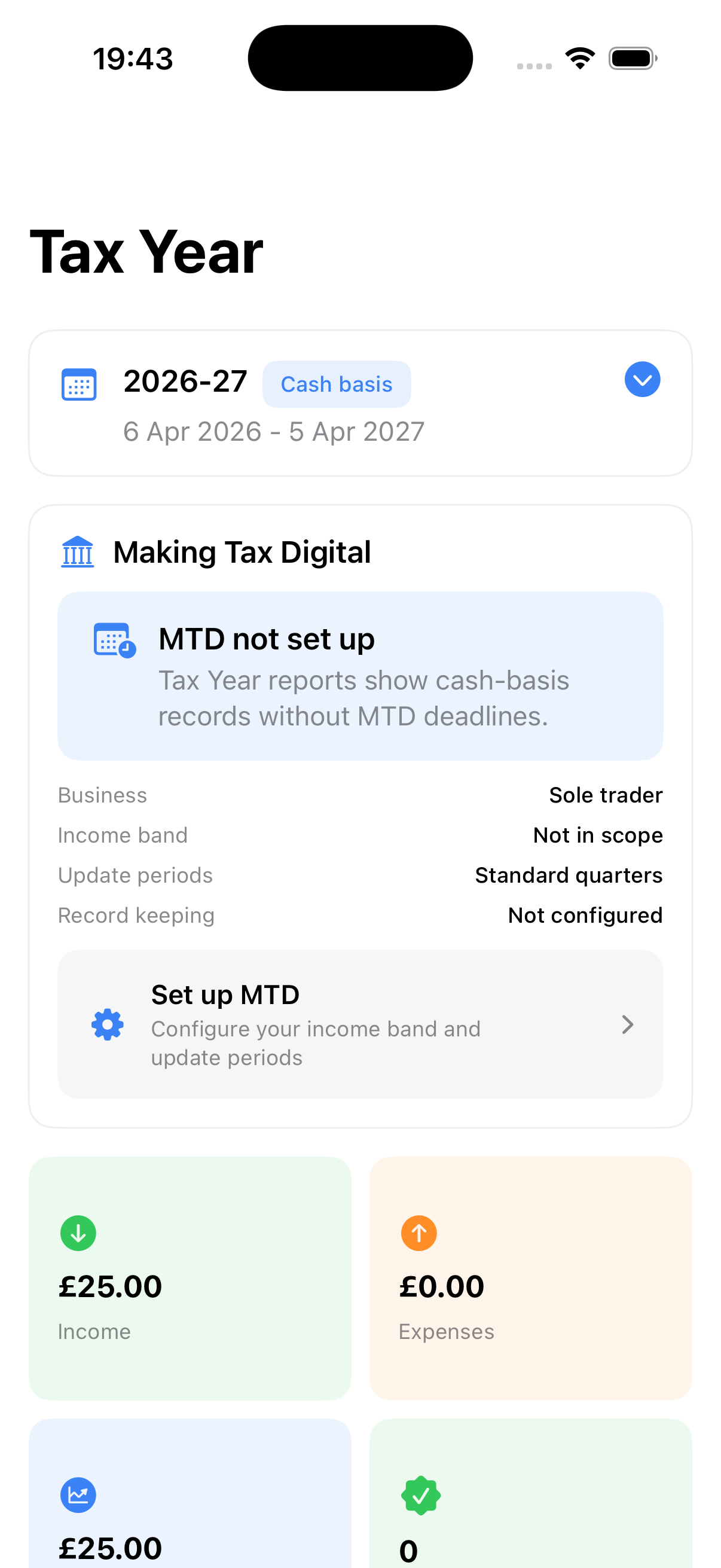
To track MTD deadlines, open More → Workspace Settings, enable MTD for Income Tax, and enter the business type, qualifying-income band and update-period basis that apply to the business.
Review a tax year on Android
- Open More → Tax Year & MTD.
- Select the tax year you need to review.
- Check the income, expenses and cash-basis result.
- Open each readiness warning and correct the underlying record.
- Review quarterly totals and HMRC category summaries.
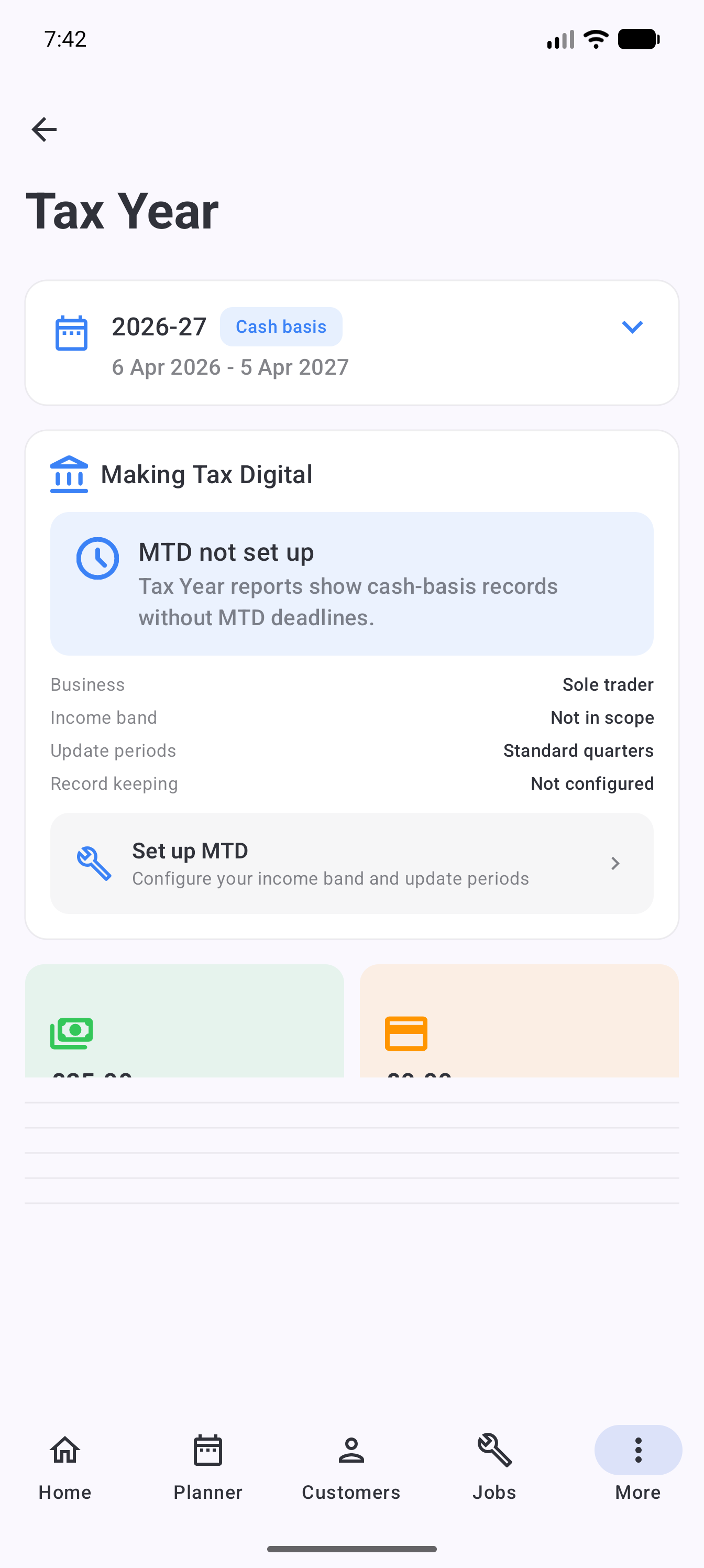
To track MTD deadlines, open More → Workspace Settings, enable MTD for Income Tax, and enter the business type, qualifying-income band and update-period basis that apply to the business.
Clear readiness warnings first
The report may flag:
- Uncategorised expenses.
- Expense categories without an HMRC mapping.
- Missing receipts.
- Unreconciled bank transactions.
- Unpaid or overdue invoices.
- Records in another currency that have not been converted.
Open a warning to review the affected records. Correct the source record rather than adjusting a report total to make the warning disappear.
Prepare an MTD update
When MTD tracking is enabled and the business is in scope:
- Open the relevant quarterly update.
- Review the included date range and deadline.
- Clear the outstanding checks.
- Open Review MTD pack.
- Check cash received, expenses, HMRC categories and notes.
- Export the review CSV if your accountant or filing software needs it.
Surehand only unlocks the review actions when the period is available and the blocking checks have been cleared.
Record an external submission accurately
After the update has been filed outside Surehand, choose Mark submitted outside Surehand. Add the external submission reference and useful notes. This saves a snapshot and audit event; it does not send anything to HMRC.
If the mark was recorded in error, use Undo submitted mark and keep the history rather than hiding the correction.
Always confirm filing requirements and deadlines with HMRC, your accountant or your filing-software provider.