Connect and verify GoCardless and create customer mandates before attempting a collection. Scheduling a Direct Debit does not mean the money has already cleared.
If automatic collection is enabled, Surehand handles eligible new completed-job invoices in the background. Use a manual Direct Debit run for older invoices or invoices you deliberately want to select yourself.
Instructions for your platform
Choose where you’re using Surehand. We’ll remember your selection for the next guide.
Create a Direct Debit run on the web
- Open Finances → Direct Debit run.
- Choose Refresh to load the current preview.
- Review the proposed charge date and blocked customers.
- Select only the invoices you intend to collect.
- Choose Review payments and check the final count and total.
- Confirm the run once.
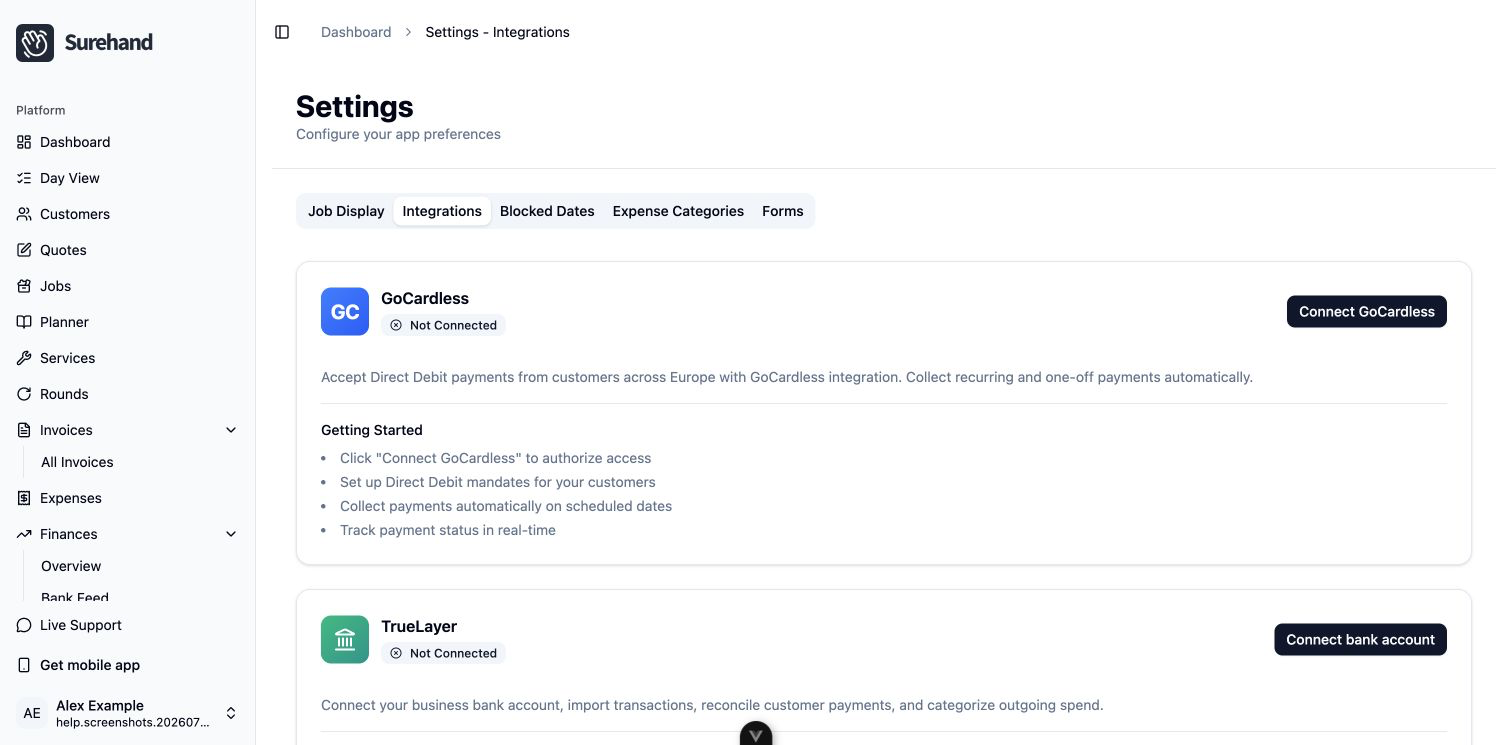
To review collected payments, open Finances → Payment reconciliation. Choose Sync GoCardless before assessing the queue.
Create and review collections on iPhone or iPad
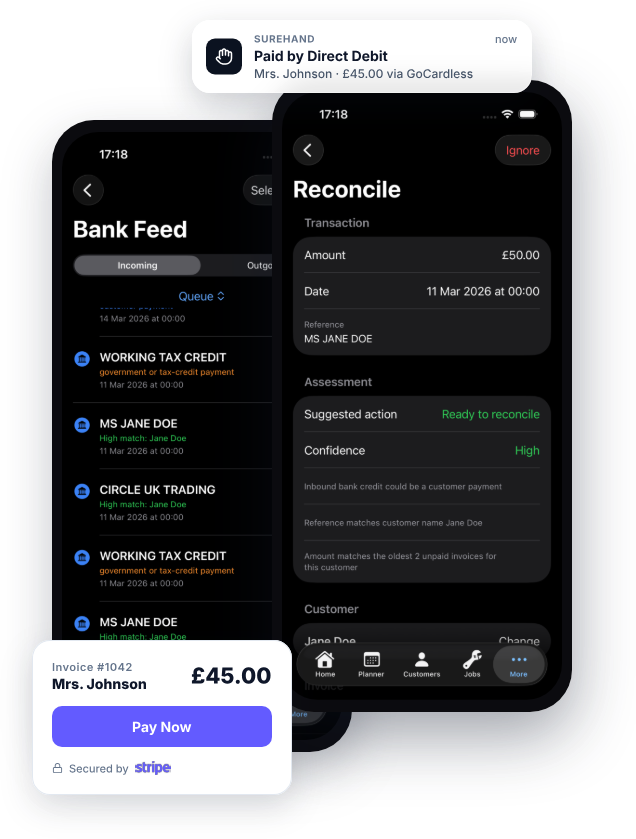
- Open More → Direct Debit.
- On Collect, refresh the preview.
- Review blocked customers and select the eligible invoices.
- Review the proposed charge date, count and total.
- Confirm the collection once.
- Open Review Payments and choose Sync before resolving items.
Create and review collections on Android
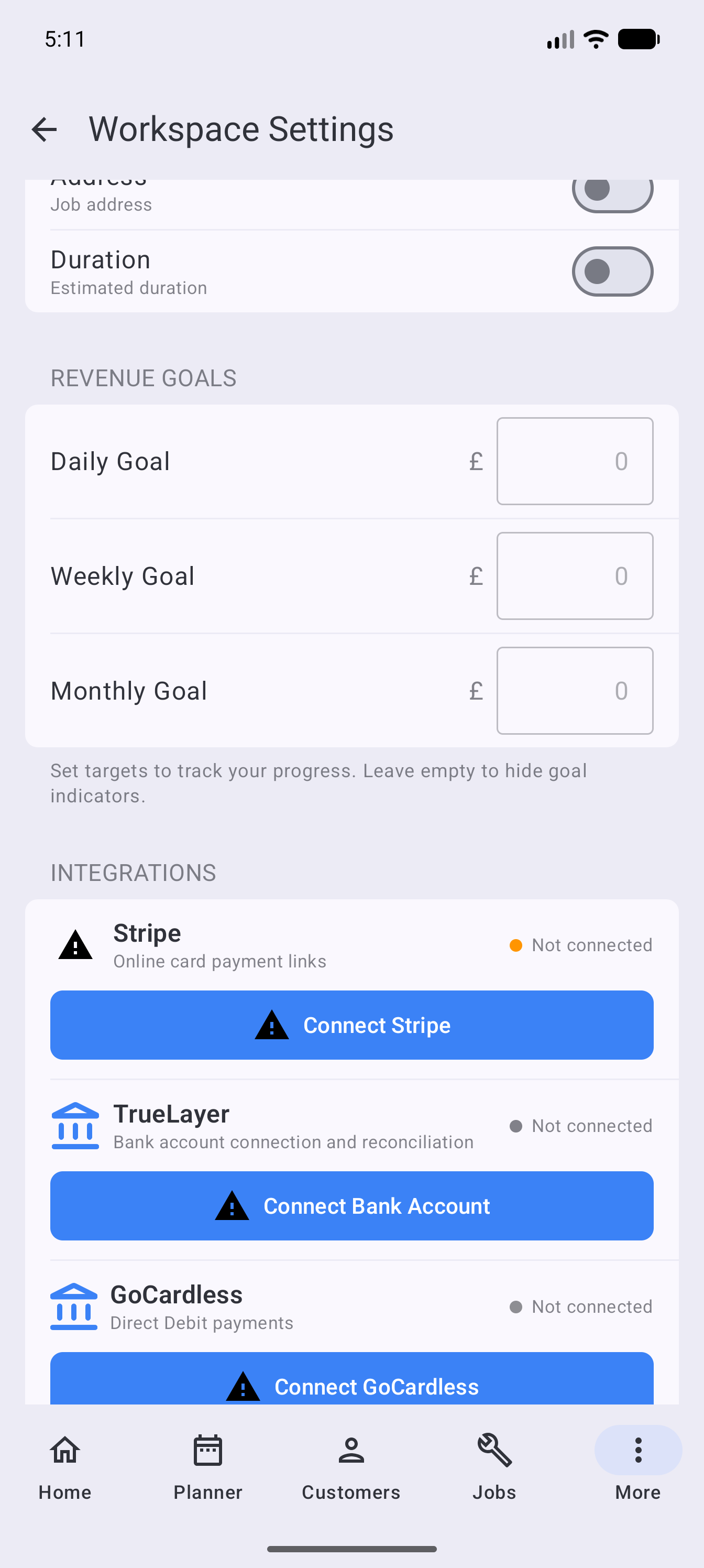
- Open More → Direct Debit.
- On Collect, refresh the preview.
- Review blocked customers and select the eligible invoices.
- Review the proposed charge date, count and total.
- Confirm the collection once.
- Open Review Payments and choose Sync before resolving items.
Understand blocked customers
An invoice may be blocked because the customer has no active mandate, the mandate is pending or failed, the currency is unsupported, or another collection is already in progress. Resolve the stated reason instead of repeatedly creating another run.
Understand payment status
- Preparing means Surehand has reserved the invoice while creating the GoCardless payment.
- Scheduled means the payment has been created for a future charge date.
- Processing means GoCardless has submitted the payment to the banking system.
- Confirmed means GoCardless has confirmed collection. Surehand can now record and allocate the payment to its invoice.
- Paid out means GoCardless has included the collected money in a merchant payout.
- Failed means the collection did not succeed.
- Cancelled means the collection will not continue.
- Charged back means a previously collected payment was returned. Review the related invoice and customer balance.
Do not treat Scheduled or Processing as money received. Surehand marks and allocates the payment when GoCardless confirms it.
Handle failed payments and Success+
GoCardless Success+ can request a new submission when it predicts that retrying a failed Direct Debit may succeed. Surehand listens for that update and keeps the payment state in sync.
Check the failed Direct Debit history before contacting the customer:
- If GoCardless is retrying the payment, allow that attempt to proceed and do not create another collection.
- If the failure is shown as resolved, a newer Direct Debit attempt already covers the invoice.
- If the payment needs attention and can be retried, review the customer, mandate and invoice before using Retry.
- If the mandate is no longer active, ask the customer to authorise a new mandate or agree another payment method.
Reconcile the result
Sync imports the latest state from GoCardless. Reconciliation then controls how each collection is represented in Surehand.
- Link an unlinked collection to the correct invoice when the customer and amount match.
- Leave an item for review when the evidence is incomplete.
- Ignore an item only when you understand why it should not create or change a Surehand payment.
- Review reversed or charged-back payments promptly; the related invoice may need to be reopened.
Never link a payment based only on a similar amount. Check the customer, GoCardless reference, invoice and charge date.
Avoid duplicate collections
After confirming a run, wait for the refreshed state. Do not submit the same invoices again because the page appears slow. Check the payment or reconciliation area before retrying after an error.
Do not send a card or Pay by Bank link for the same invoice while a Direct Debit is already scheduled or processing. Confirm the existing payment's outcome first.