Invoices can be created from completed work or entered manually. Check the customer, line items, issue date, due date and tax before sending anything.
Instructions for your platform
Choose where you’re using Surehand. We’ll remember your selection for the next guide.
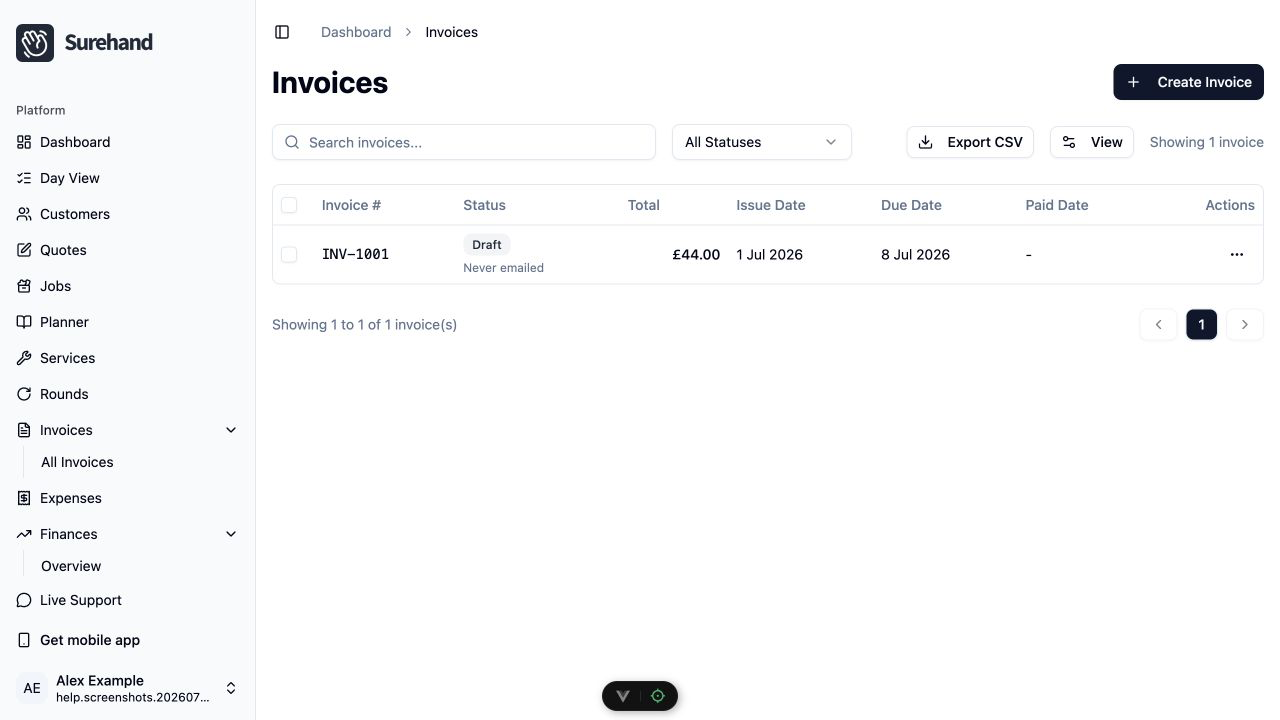
Create and review an invoice on the web
- Open Invoices.
- Choose Create Invoice when you need a manual invoice, or open the invoice created from a completed job.
- Select the customer and add the line items.
- Check the issue date, due date, descriptions, quantity, price and tax.
- Save the invoice.
- Open the invoice detail and review the Customer-facing Invoice.
Send or chase the invoice
Open the invoice and choose Email Invoice (or Resend Invoice if it has been emailed before). Confirm the recipient before sending. The invoice page also has Take Payment, Payment Link, Print and Download PDF.
To chase unpaid invoices:
- Open Invoices.
- Tick the invoices you want to chase.
- Choose Send Payment Reminders.
Check the balance and recipient first.
Void an invoice
When an invoice should no longer be collectible, tick it in Invoices and choose Mark as Void. You can also open the invoice, choose Edit and set Status to Void. Do not void an invoice simply to hide a payment problem.
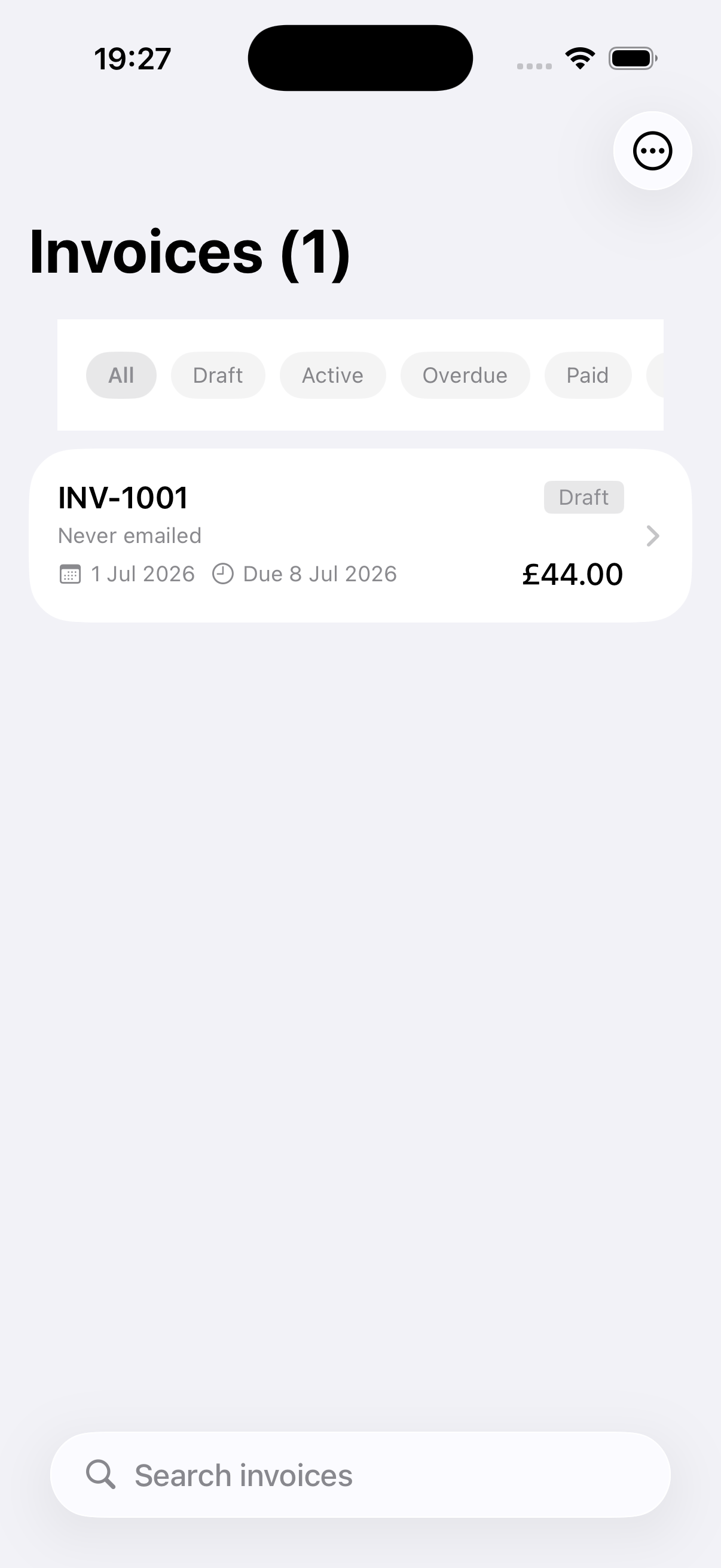
Create and review an invoice on iPhone or iPad
- Open More → Invoices.
- Use the + action to create a manual invoice, or open one created from completed work.
- Select the customer and add line items.
- Check the issue date, due date, descriptions, price and tax.
- Save and open the invoice.
Send or chase the invoice
From the invoice actions, choose Email Invoice or Resend Invoice and confirm the address. Use Send Payment Reminder for a genuine unpaid balance. Other actions include Share PDF, Take Payment, Payment Link and Void Invoice, depending on status and enabled features. When you choose Void Invoice, add a clear reason.
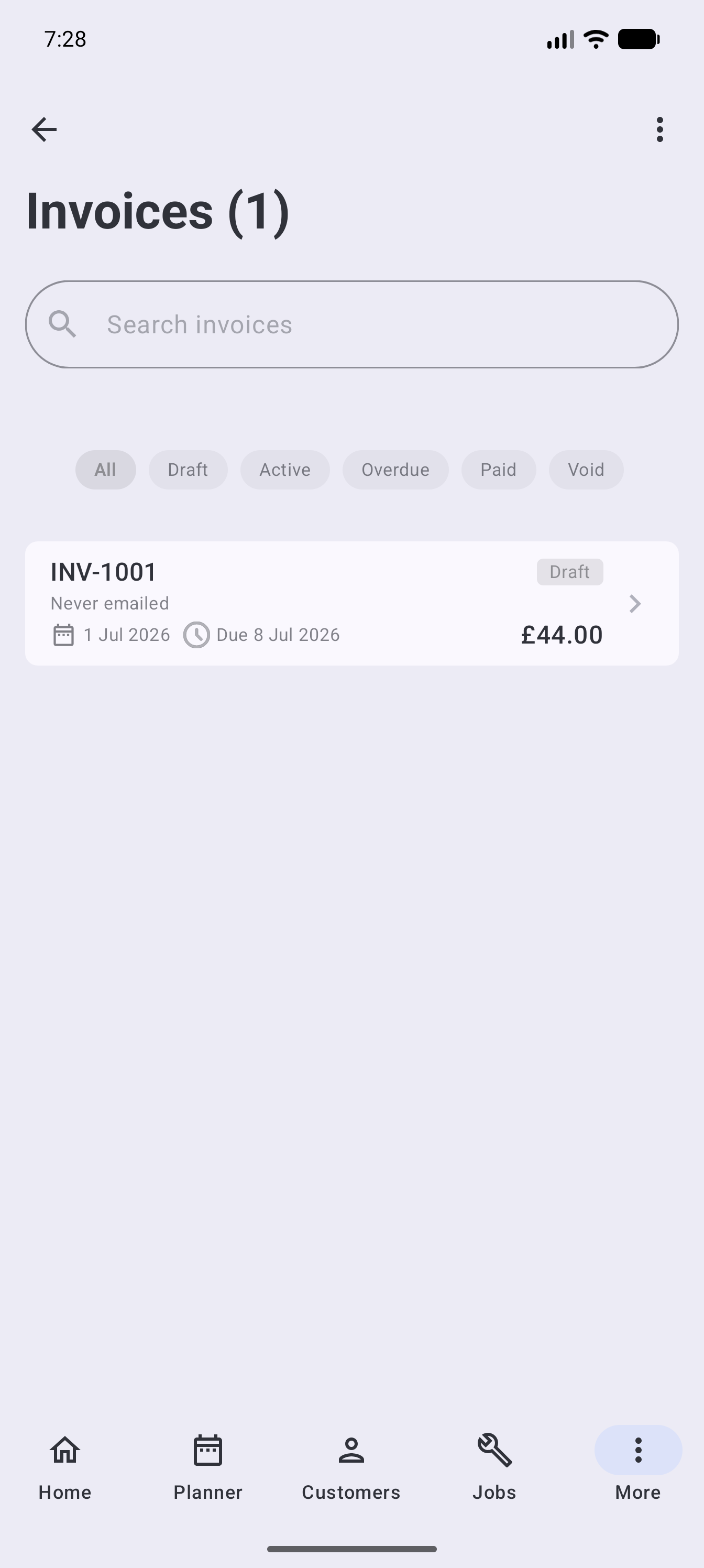
Create and review an invoice on Android
- Open More → Invoices.
- Use the + action to create a manual invoice, or open one created from completed work.
- Select the customer and add line items.
- Check the issue date, due date, descriptions, price and tax.
- Save and open the invoice.
Send or chase the invoice
From the invoice actions, choose Email Invoice or Resend Invoice and confirm the address. Use Send Payment Reminder for a genuine unpaid balance. Other actions include Share PDF, Take Payment, Payment Link and Void Invoice, depending on status and enabled features. When you choose Void Invoice, add a clear reason.
Understand the invoice status
- Draft is still being prepared.
- Active is issued and can be paid.
- Paid has no remaining balance.
- Overdue is still unpaid after its due date.
- Void is no longer collectible.
On the web, the status filter in Invoices also has:
- Sent shows invoices that have been emailed, in any status.
- Sent – still owed shows emailed invoices that are still owed, including partly paid ones.
- Outstanding shows invoices that are not yet paid or void, including drafts.
The exact actions available depend on the status. Record payments against the invoice instead of marking it paid without a matching payment record.
Check before sending a reminder
Confirm that:
- The invoice is still unpaid.
- The due date has passed or a reminder is otherwise appropriate.
- Recent bank or Direct Debit payments have been reconciled.
- The email address belongs to the intended customer.
Avoid sending repeated reminders while a payment is still clearing.