An invoice showing as overdue needs checking before it needs chasing. Confirm the balance, recent payment activity, due date and previous emails before contacting the customer.
Instructions for your platform
Choose where you’re using Surehand. We’ll remember your selection for the next guide.
Review overdue invoices on the web
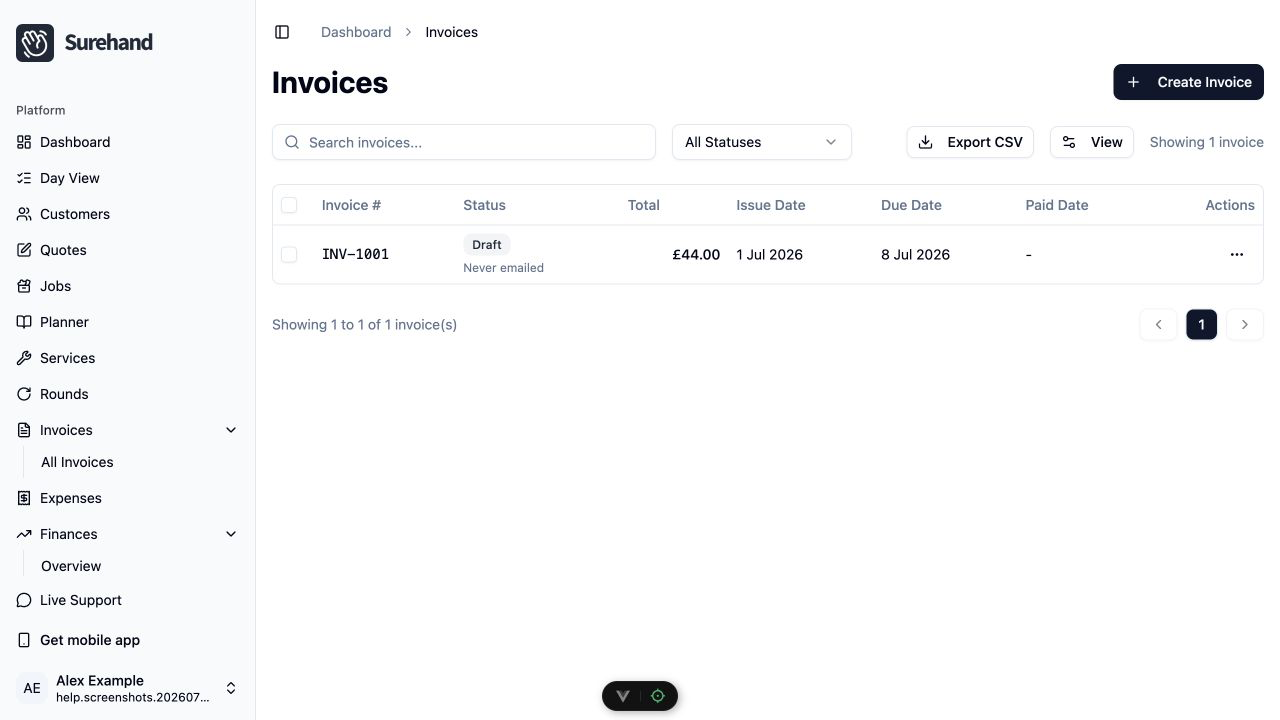
- Open Invoices.
- Filter the list to Overdue.
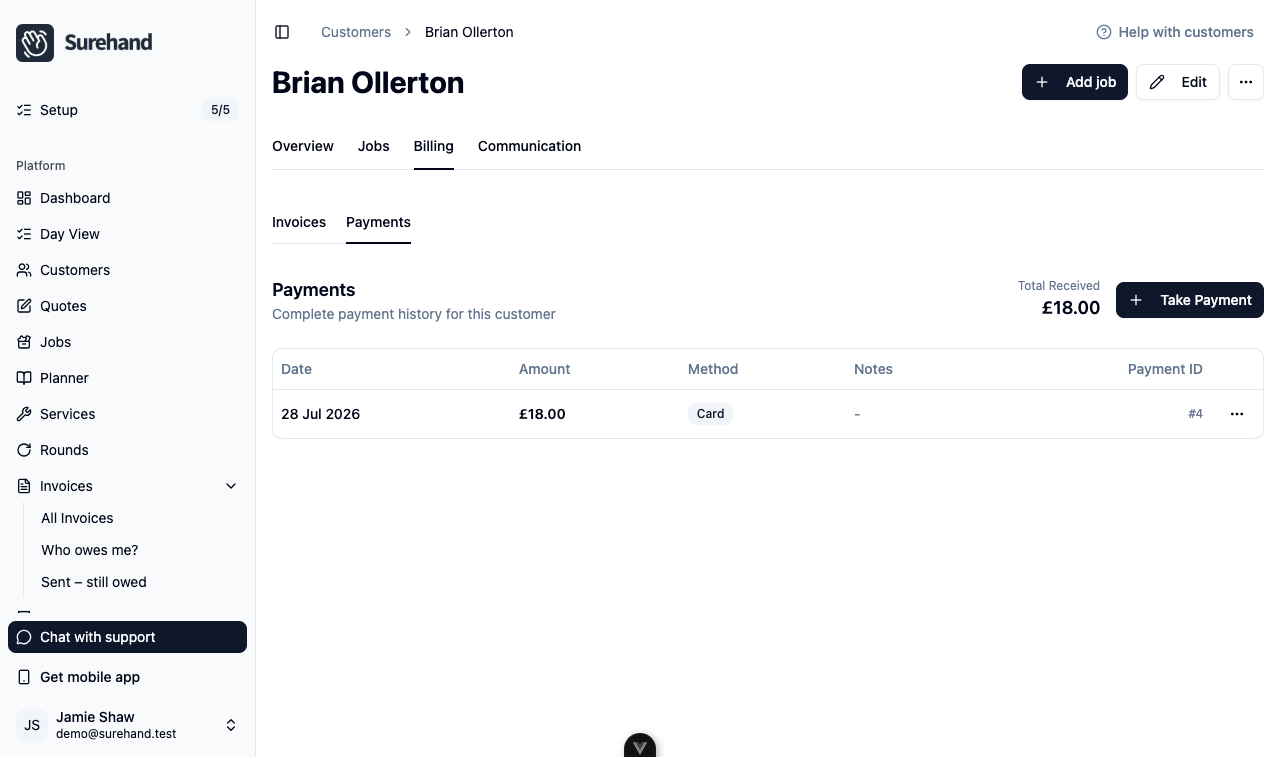
- For each invoice, open the customer and check their Billing → Payments tab for recent or unallocated payments.
- Check the customer’s Communication tab for reminders or emails you have already sent.
- Back in Invoices, tick only the invoices you have checked and that are still due.
- Choose Send Payment Reminders.
- Review the invoices listed in Confirm Payment Reminders, then choose Confirm.
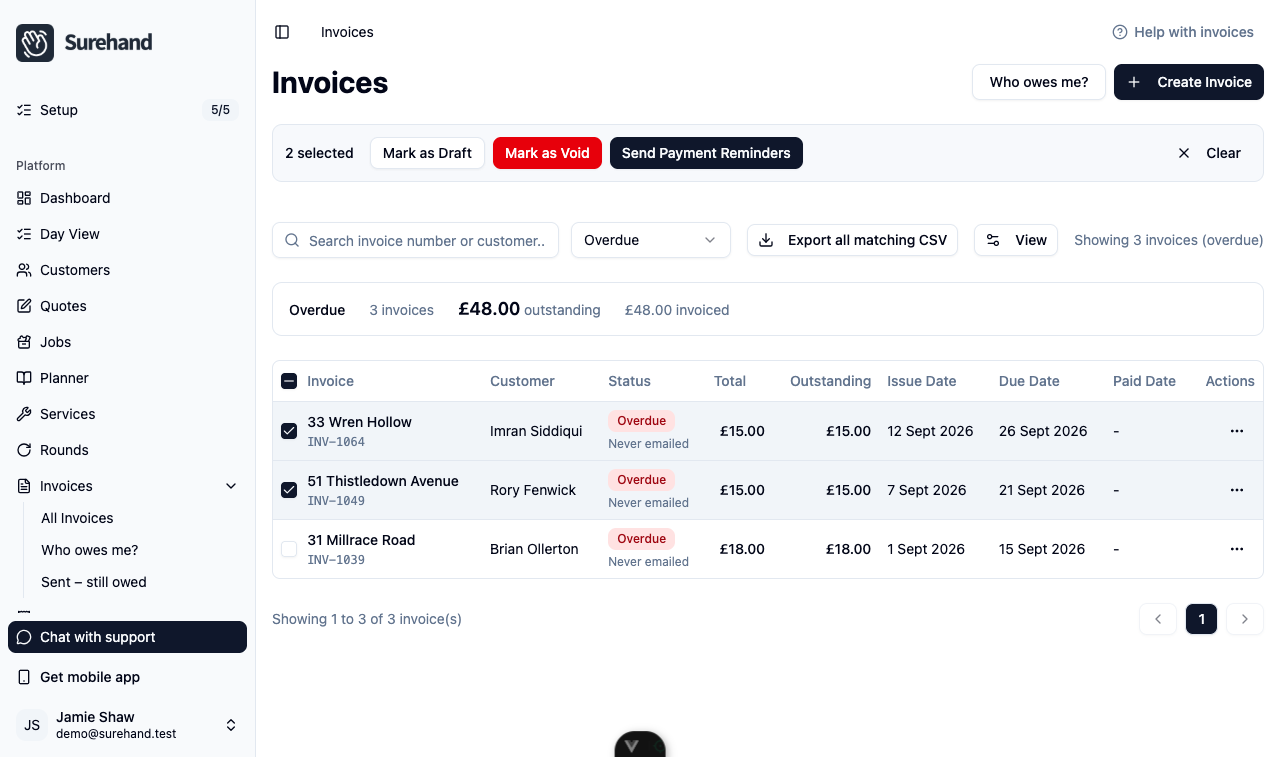
Reminders are only sent for selected invoices that are still open or overdue.
Review overdue invoices on iPhone or iPad
- Open More → Invoices.
- Choose the Overdue filter.
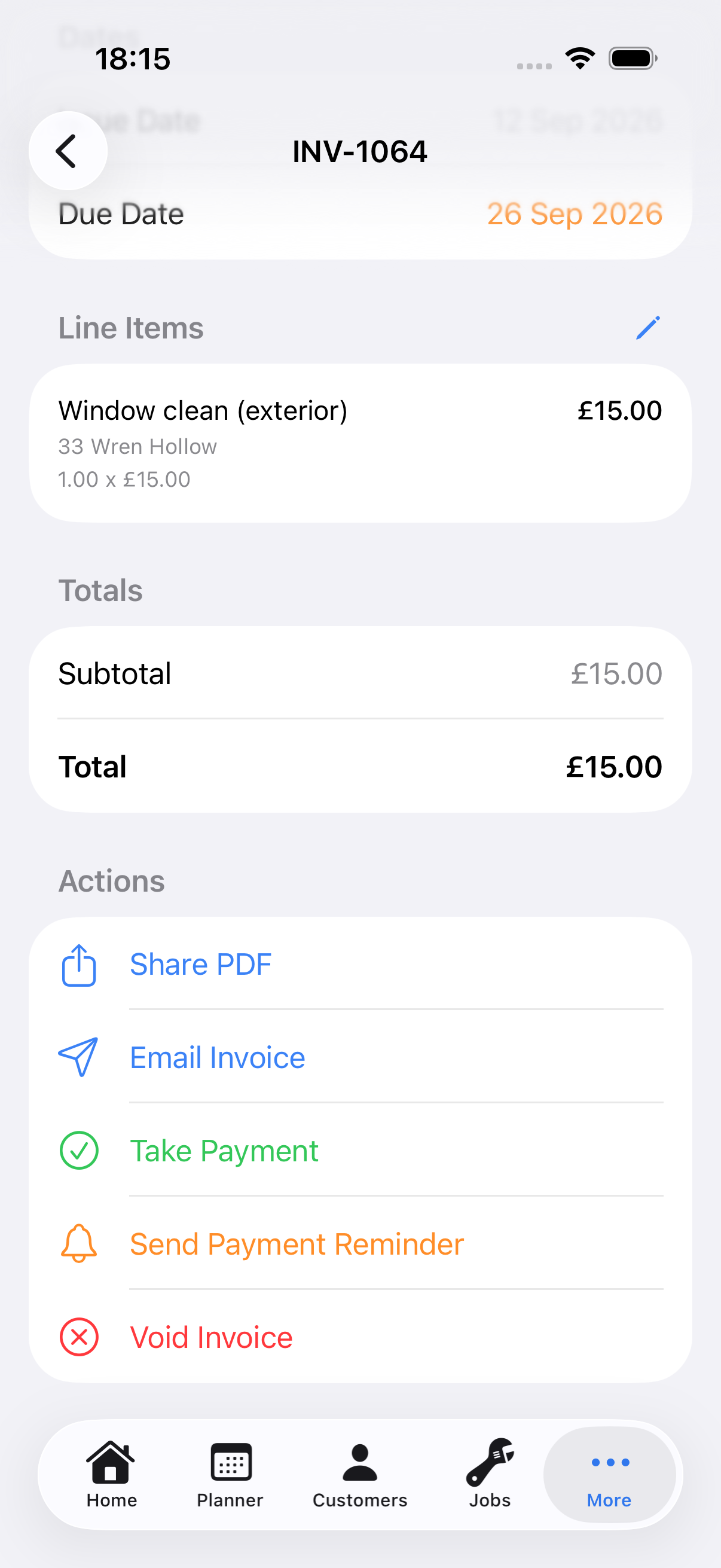
- Open the invoice and check its status, due date and Email line.
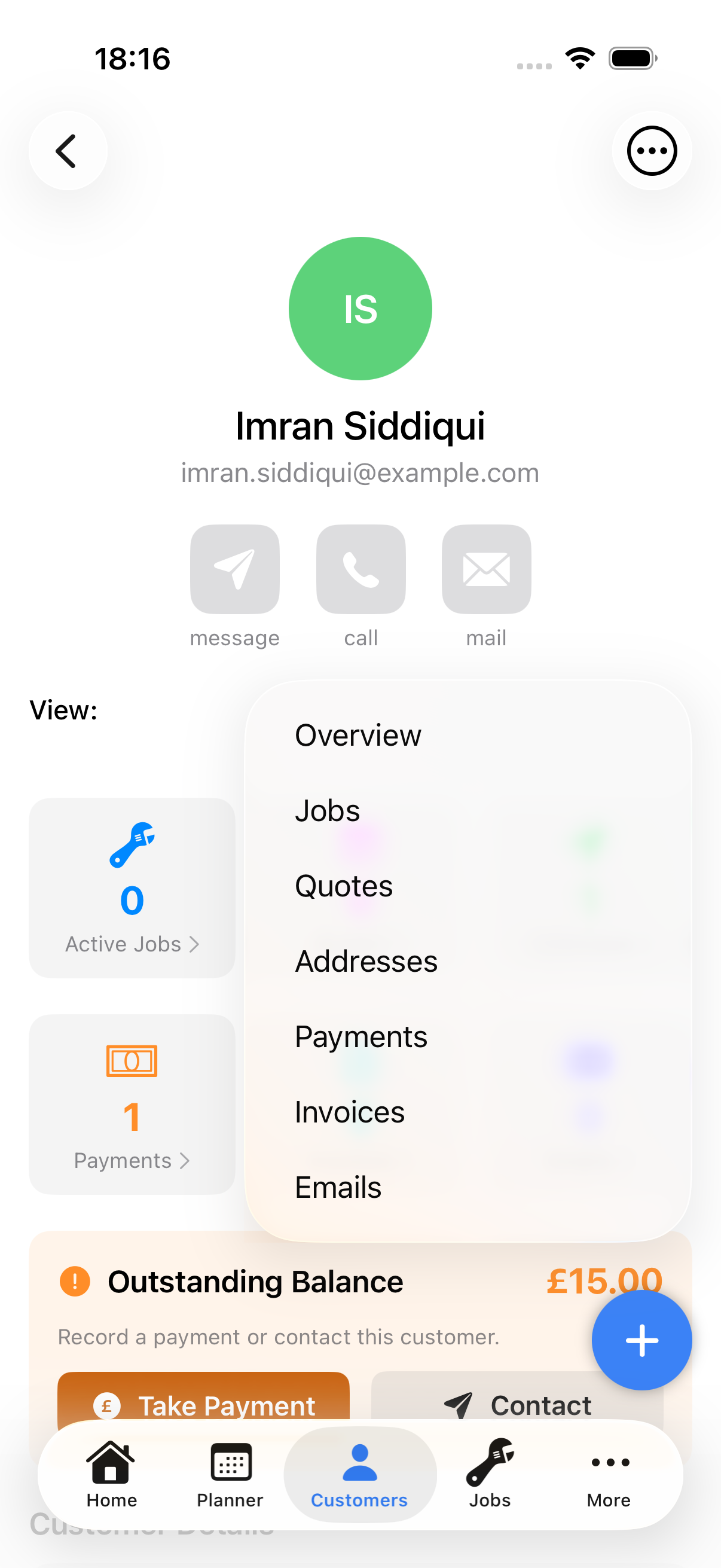
- Open Customers, choose the customer, and use the View menu to check Payments and Emails.
- If the balance is still due, go back to the invoice and choose Send Payment Reminder.
- Check the email address in the confirmation, then choose Send.
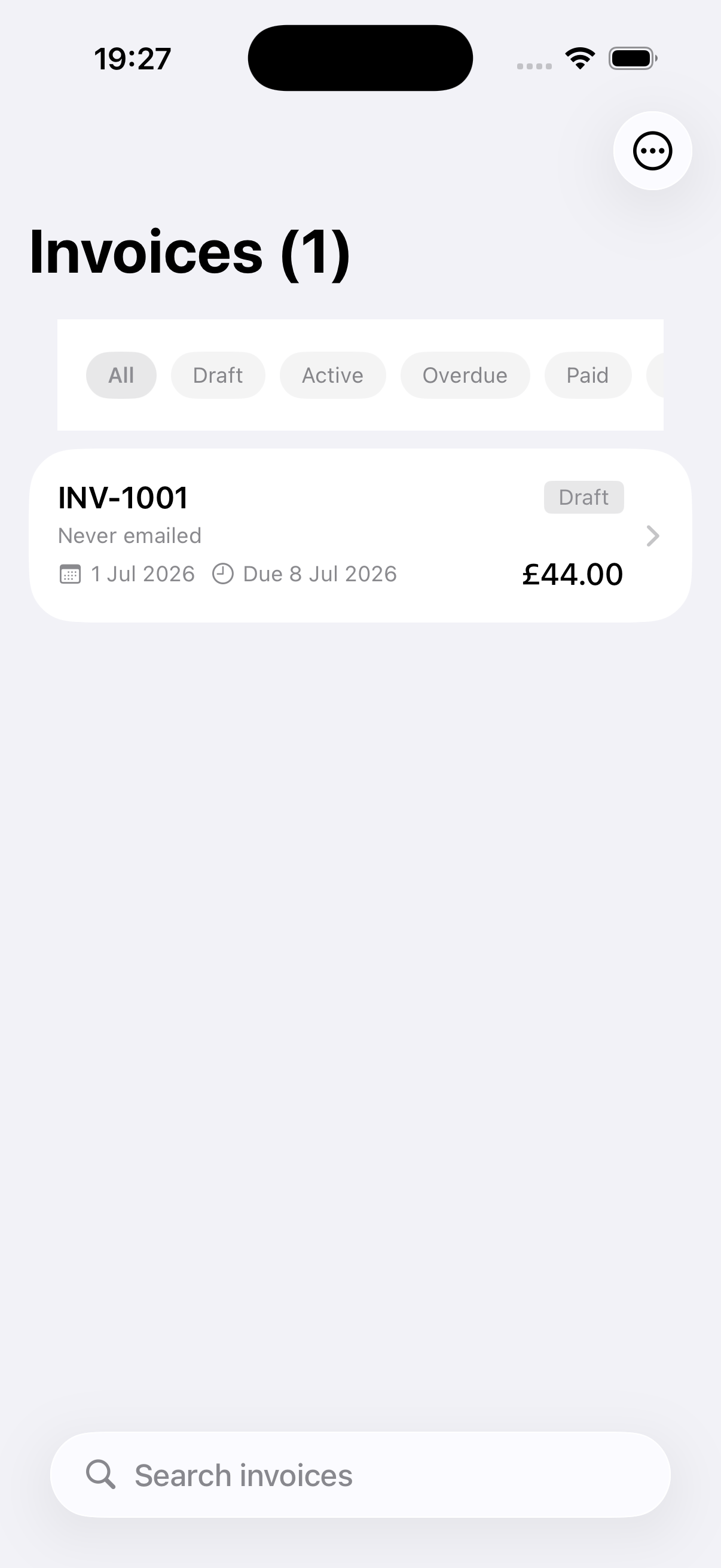
The Send Payment Reminders option in the Invoices menu sends a reminder for every unpaid invoice, not just the ones you've checked. Use it only when you've reviewed them all.
Review overdue invoices on Android
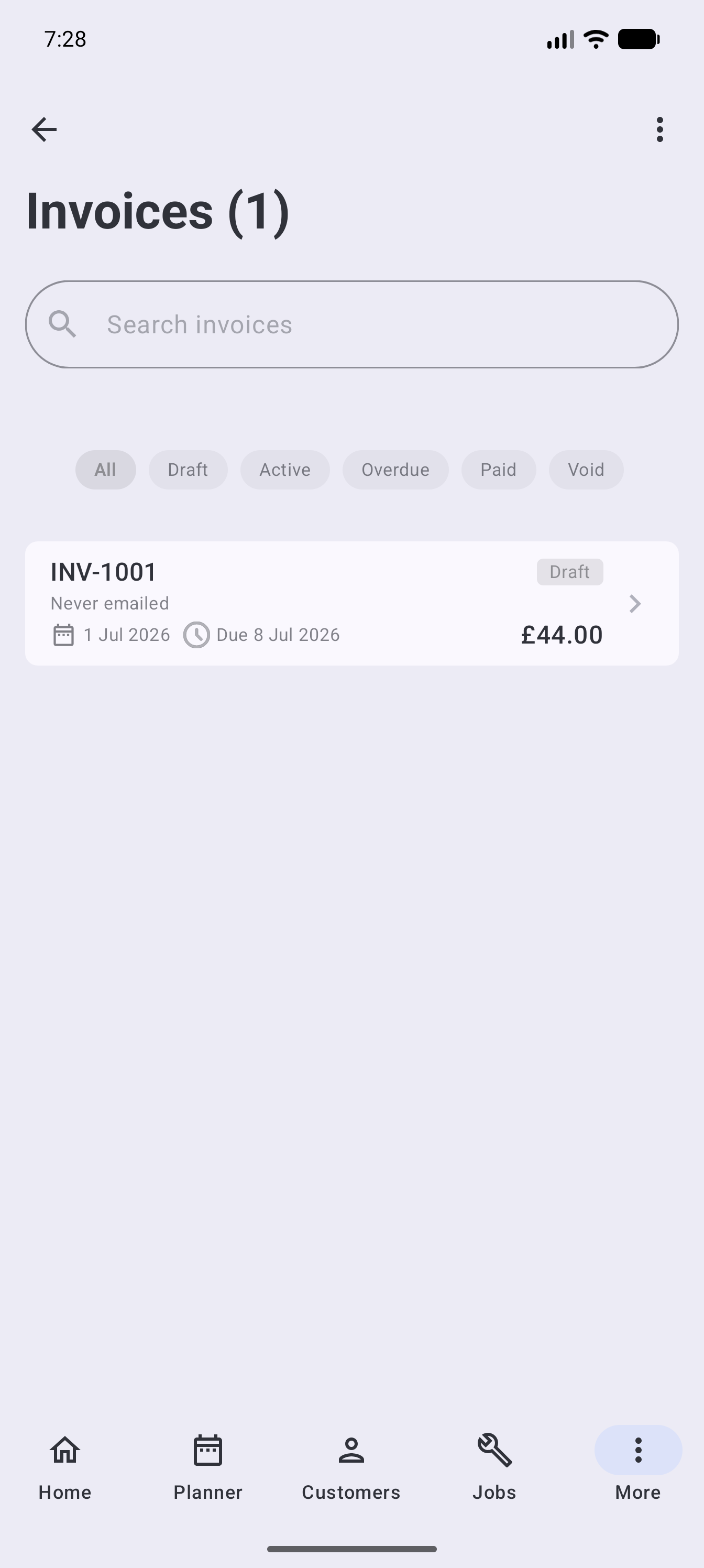
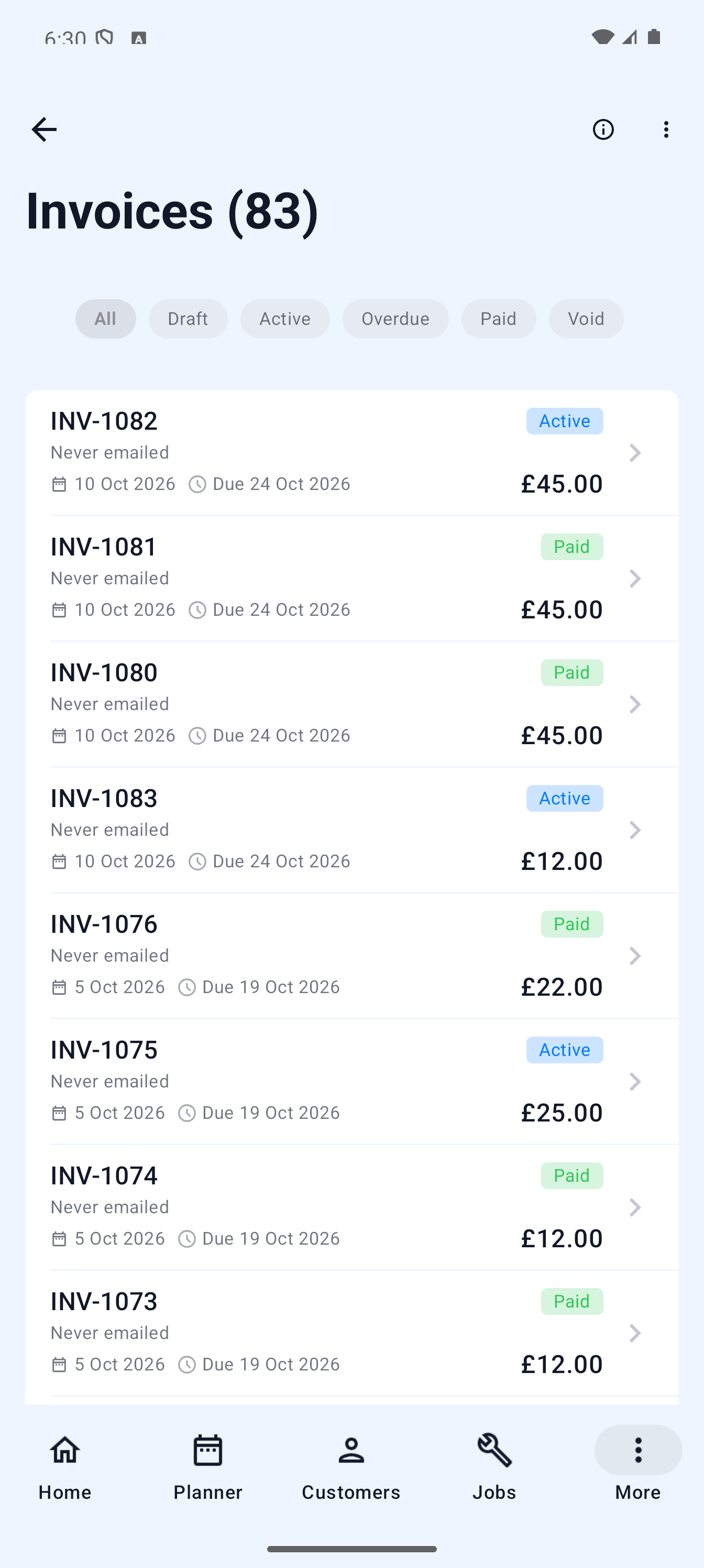
- Open More → Invoices.
- Choose the Overdue filter.
- Open the invoice and check its status, due date and Email line.
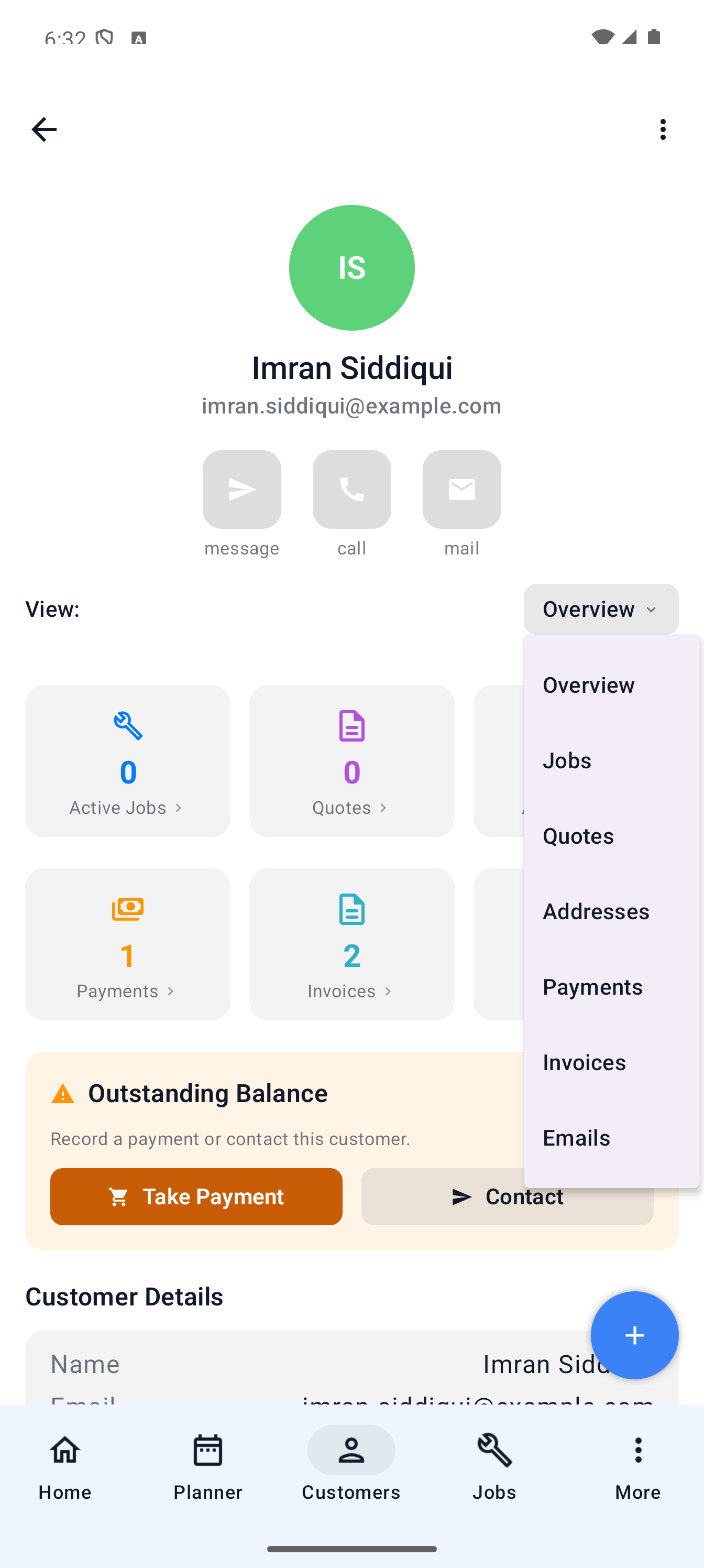
- Open Customers, choose the customer, and use the View menu to check Payments and Emails.
- If the balance is still due, go back to the invoice and choose Send Payment Reminder.
- Check the email address in the confirmation, then choose Send.
The Send Payment Reminders option in the Invoices menu sends a reminder for every unpaid invoice, not just the ones you've checked. Use it only when you've reviewed them all.
Check for money already in motion
Before sending a reminder, look for:
- A manual payment that has not yet been allocated to the invoice.
- A bank transfer waiting to be reconciled.
- A Direct Debit payment that is pending, confirmed or awaiting reconciliation.
- A recent card payment that is still processing.
- A credit, correction or agreed payment plan.
Do not create a second payment merely to clear an overdue label. Reconcile or allocate the existing payment correctly.
Choose the right communication
- Use Resend Invoice when the customer needs another copy of the original document.
- Use Send Payment Reminder on a single invoice in the mobile app, or Send Payment Reminders on selected invoices in the web Invoices list, when the balance is genuinely overdue.
- Use a personal message when there is a dispute, payment plan or context that a standard reminder cannot explain.
Check the customer’s email history (the Communication tab on the web) so you do not send the same message repeatedly. If a previous email bounced or failed, correct the address or delivery issue before retrying.
When the invoice is wrong
Do not chase an invoice with the wrong customer, amount, tax or line items. Correct it using the appropriate invoice action. Void an invoice only when it should no longer be collectible, and record a clear reason.