A customer record keeps contact details, service addresses and related work together. Search before adding a new record so jobs and payment history do not become split between duplicates.
Instructions for your platform
Choose where you’re using Surehand. We’ll remember your selection for the next guide.
Add a customer on the web
- Open Customers.
- Choose Add customer.
- Enter the customer’s name and useful contact details.
- Add the service address where work will happen.
- Review the details and save.
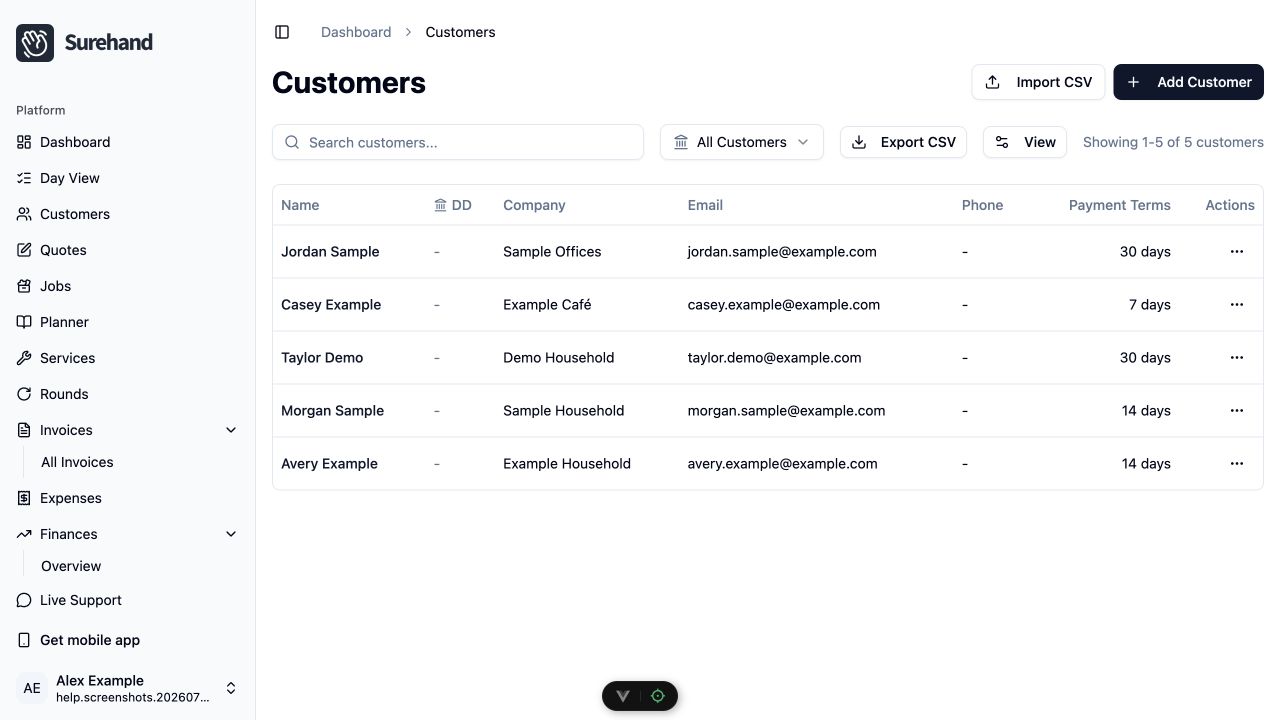
Open a customer to see the Overview, Jobs, Billing and Communication tabs. Billing has Invoices and Payments sub-tabs and is shown only to people with financial access. The customer’s Direct Debit status is on the Overview tab.
Use the ⋯ menu (More customer actions) next to Edit for Manage addresses, Customer portal, Merge customers… and Delete customer. Merge customers… appears only for people with financial access.
<!-- screenshot: web customer profile with the Overview tab open and the ⋯ More customer actions menu expanded, showing Manage addresses, Customer portal, Merge customers… and Delete customer -->Add a customer on iPhone or iPad
- Open Customers.
- Use the + action.
- Enter the customer’s name, email address and phone number as needed.
- Add the service address.
- Review and save.
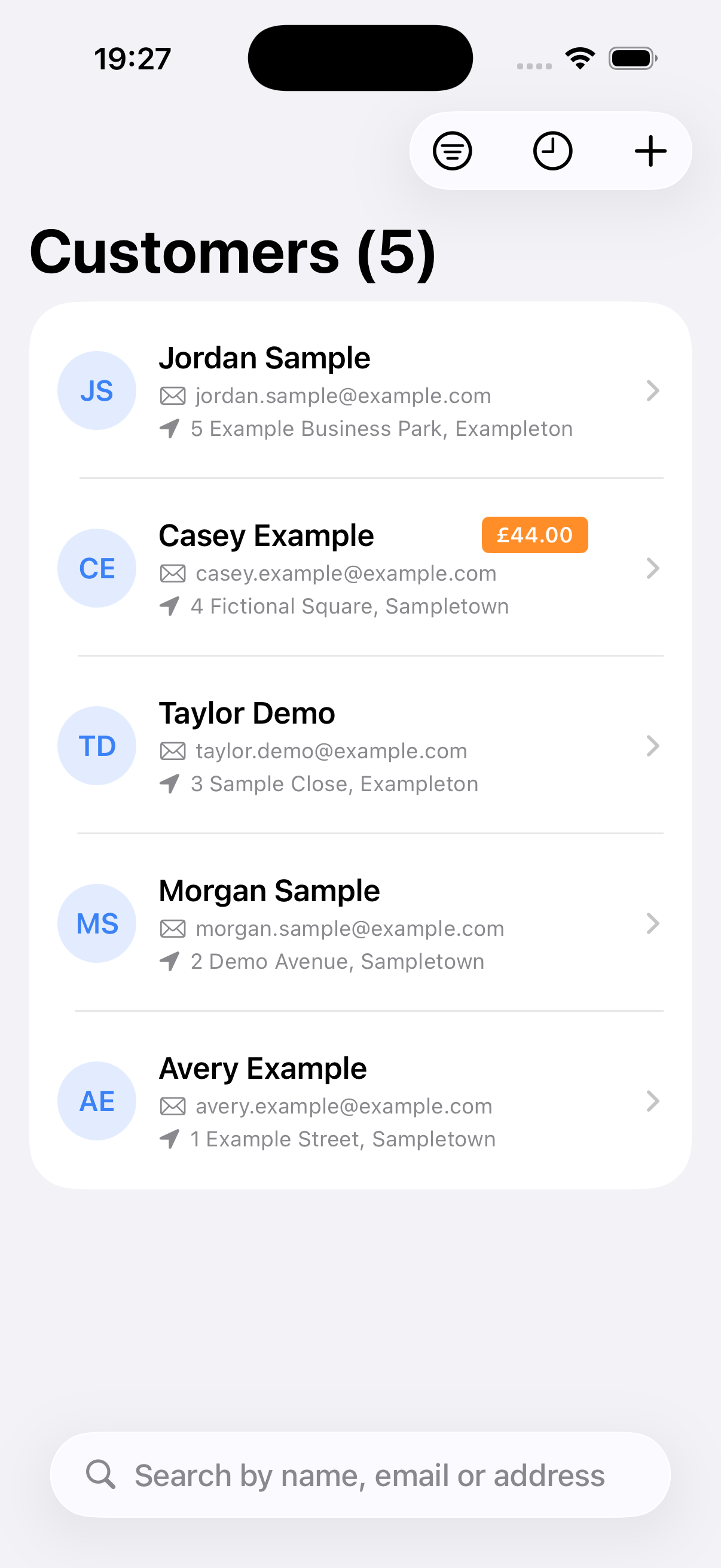
Open a customer to see their work, invoices, payments, addresses and communication history. Financial sections are available only to people with financial access.
Add a customer on Android
- Open Customers.
- Use the + action.
- Enter the customer’s name, email address and phone number as needed.
- Add the service address.
- Review and save.
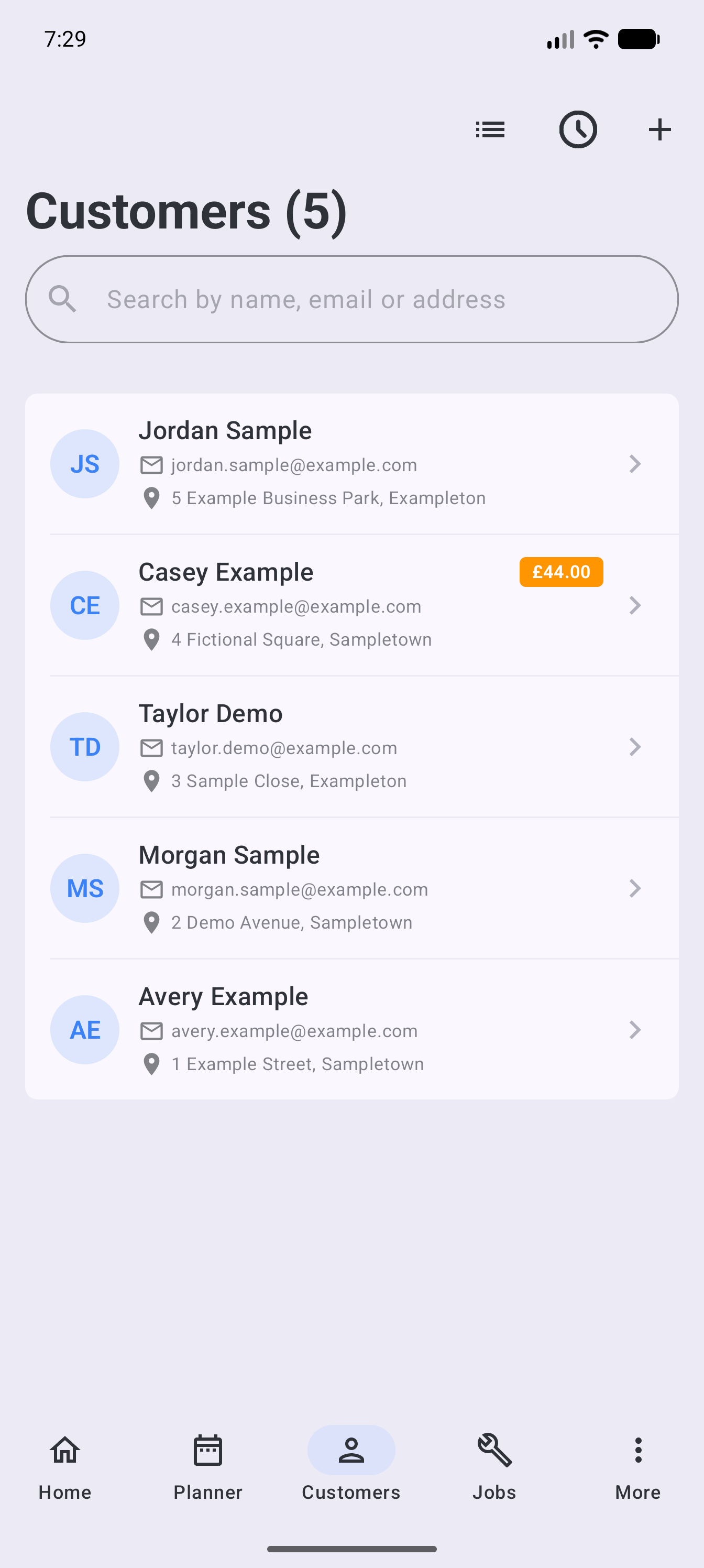
Open a customer to see their work, invoices, payments, addresses and communication history. Financial sections are available only to people with financial access.
Add useful contact details
Add an email address when you want to send quotes, invoices, portal invites or reminders. Add a mobile number when your team may need to call or message the customer.
Check spelling and country codes before sending anything customer-facing. Surehand can warn that an address is missing, but it cannot know whether a valid-looking address belongs to the right person.
Use the correct service address
A customer can have more than one address. Give each address a useful label when work happens at multiple properties.
When creating a job, select the address where the visit will happen. Do not create a duplicate customer simply to store a second property.
Correct or remove a record carefully
Edit the customer when a name, contact detail or address changes. If the same customer has been added twice, merge the records instead of deleting one; on the web, use Merge customers… in the ⋯ menu. Before deleting anything, check for scheduled jobs, invoices, payments, Direct Debit records and portal access.
If you are moving many customers into Surehand, use the import workflow rather than adding them one at a time.